AI copilot
An assistant that asks before it acts.
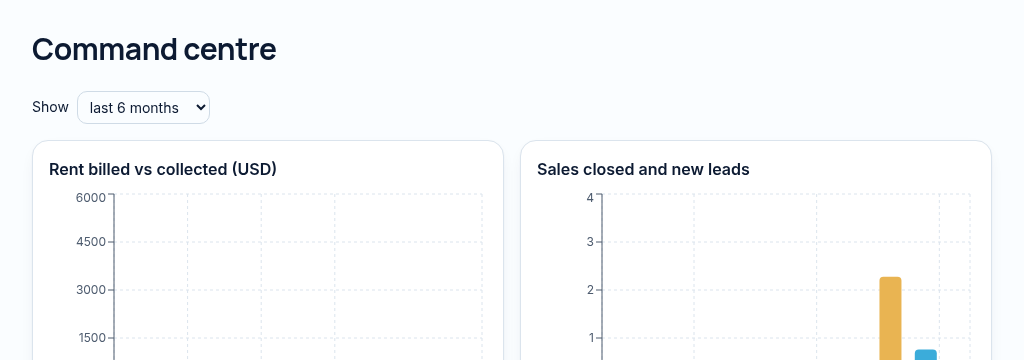
A command centre, forecasts and a copilot that drafts, explains and confirms before saving.
What you get
- Ask questions in plain English
- Drafts listings and follow-ups
- Changes saved only after you confirm
Inside the app
How ai copilot works
- Step 1
Ask a question about the records your role is permitted to read, or request a supported task.
- Step 2
Review the proposed client, viewing, repair or invoice. The assistant cannot silently save its own proposal.
- Step 3
Confirm explicitly to save through your own permissions, or discard the proposal. Check important answers against the underlying records.
Connected, not duplicated
This workspace uses the linked properties, people and records your company can access. Available features depend on your plan, enabled modules and staff permissions. Features needing external services are marked Coming soon below.
The problem
Answers are buried in reports nobody has time to read.
Owners can't see the whole business without asking five people for five reports.
With PropertyFlow
- Ask questions in plain English
- Drafts listings and follow-ups
- Changes saved only after you confirm
Inside AI copilot
Features in this module
- AI copilotAsk questions about your business in plain English.
- Copilot tasks with confirmationAdd a client or log a repair — saved only after you confirm.
- Explain this numberSee exactly how any total was calculated.
- AI listing descriptionsDraft a listing description from the property's details.
- Document Q&AAsk questions about a document's text.
- Finance insightsPlain-language notes on collections, costs and cash.
Works hand in hand with
See AI copilot with your own records.
Book a walkthrough, or start a 14-day trial and set up your first property today.