AI & insights
Document Q&A
Ask questions about a document's text.
Ready to use today
How to use document q&a
Ask questions about a document's text. Use it within AI copilot alongside the linked property, contact and transaction records, rather than maintaining a separate disconnected list.
The connected workflow
- 1.Ask a question about the records your role is permitted to read, or request a supported task.
- 2.Review the proposed client, viewing, repair or invoice. The assistant cannot silently save its own proposal.
- 3.Confirm explicitly to save through your own permissions, or discard the proposal. Check important answers against the underlying records.
Visibility follows your company, branch and section access. Important financial and approval actions remain subject to the app’s controls.
Why it matters
Owners can't see the whole business without asking five people for five reports.
What changes
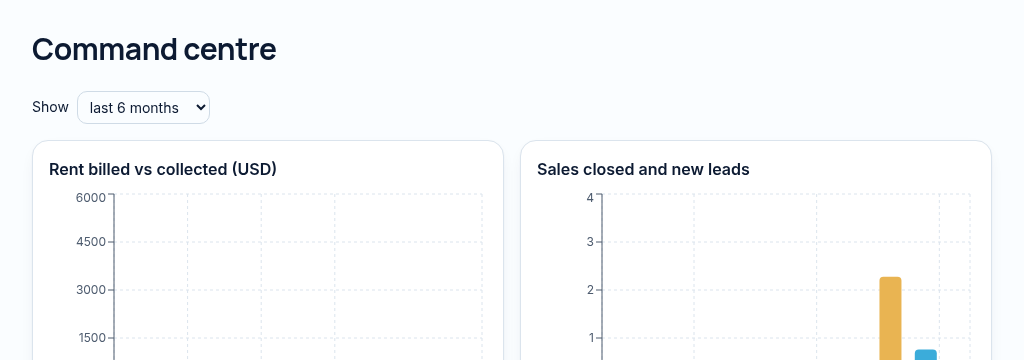
A command centre, forecasts and a copilot that drafts, explains and confirms before saving.
Found in
More in ai & insights
- Executive command centreTrends, alerts and the day's priorities on one screen.
- AI copilotAsk questions about your business in plain English.
- Copilot tasks with confirmationAdd a client or log a repair — saved only after you confirm.
- Explain this numberSee exactly how any total was calculated.
- Forecasts & anomaliesSpot unusual drops and rises before month end.
- Weekly digestA weekly summary of what changed.
- Finance insightsPlain-language notes on collections, costs and cash.
- Goals & targetsCompany and personal targets with real progress.
- Zimbabwe market metricsLocal reporting in USD and ZiG.
See PropertyFlow with your own portfolio.
Book a walkthrough, or start a 14-day trial and set up your first property today.