Team work & approvals
Work that doesn't fall through the cracks.
Roles, branch isolation, a full change history, an API and an installable phone app.
What you get
- Tasks with reminders and repeats
- Approvals above your limits
- Notes and @mentions on every record
Inside the app
How team work & approvals works
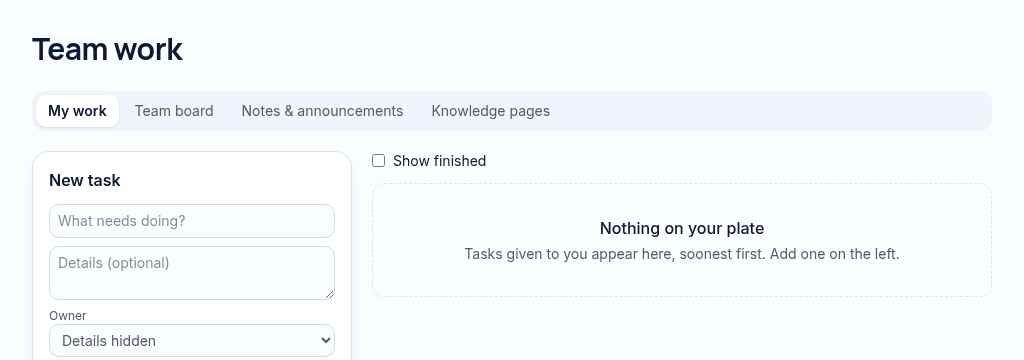
- Step 1
Create the task with an owner, priority, due date and optional recurrence.
- Step 2
Use the team board, notes and knowledge pages to keep handoffs visible. Mentions notify permitted colleagues.
- Step 3
Review approvals and overdue work. Money approvals remain controlled by the configured approval rules.
Connected, not duplicated
This workspace uses the linked properties, people and records your company can access. Available features depend on your plan, enabled modules and staff permissions. Features needing external services are marked Coming soon below.
The problem
Tasks live in heads and WhatsApp groups.
Generic tools leak data between staff and can't prove who changed what.
With PropertyFlow
- Tasks with reminders and repeats
- Approvals above your limits
- Notes and @mentions on every record
Inside Team work & approvals
Features in this module
- Approval rulesAmounts above a limit need a second person.
- Notes & @mentionsLeave notes on any record and tag a colleague.
- In-app notificationsAlerts for mentions, approvals and due items.
- Full change historyWho changed what, and when, on every record.
Works hand in hand with
See Team work & approvals with your own records.
Book a walkthrough, or start a 14-day trial and set up your first property today.