Integrations & API
Connect what you already use.
Roles, branch isolation, a full change history, an API and an installable phone app.
What you get
- Scoped, rate-limited public API
- Signed webhooks
- Calendar feeds and CSV import
Inside the app
How integrations & api works
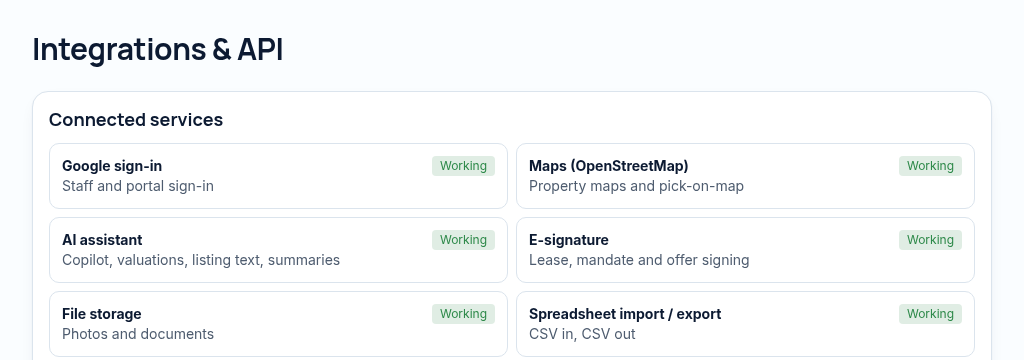
- Step 1
Create scoped API credentials or choose a calendar feed and authorised webhook endpoint.
- Step 2
Map CSV columns and preview imports before applying them. Keep import history for review and undo.
- Step 3
Review webhook delivery and data quality. A listed adapter does not mean an external provider is already connected.
Connected, not duplicated
This workspace uses the linked properties, people and records your company can access. Available features depend on your plan, enabled modules and staff permissions. Features needing external services are marked Coming soon below.
The problem
Data is copied by hand between tools.
Generic tools leak data between staff and can't prove who changed what.
With PropertyFlow
- Scoped, rate-limited public API
- Signed webhooks
- Calendar feeds and CSV import
Inside Integrations & API
Features in this module
- Public API & webhooksConnect other tools with scoped, signed access.
- Calendar feedViewings and due dates in Google or Outlook calendars.
- Data export & importDownload everything in open formats, any time.
- Bulk import from CSVBring in your existing list, with undo if it goes wrong.
Works hand in hand with
See Integrations & API with your own records.
Book a walkthrough, or start a 14-day trial and set up your first property today.