Platform, security & integrations
Data export & import
Download everything in open formats, any time.
Ready to use today
How to use data export & import
Download everything in open formats, any time. Use it within Integrations & API alongside the linked property, contact and transaction records, rather than maintaining a separate disconnected list.
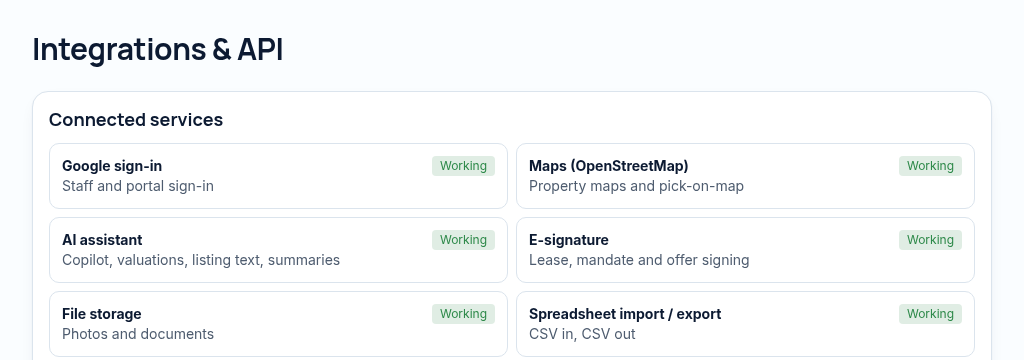
The connected workflow
- 1.Create scoped API credentials or choose a calendar feed and authorised webhook endpoint.
- 2.Map CSV columns and preview imports before applying them. Keep import history for review and undo.
- 3.Review webhook delivery and data quality. A listed adapter does not mean an external provider is already connected.
Visibility follows your company, branch and section access. Important financial and approval actions remain subject to the app’s controls.
Why it matters
Generic tools leak data between staff and can't prove who changed what.
What changes
Roles, branch isolation, a full change history, an API and an installable phone app.
Found in
More in platform, security & integrations
- Roles & section permissionsDecide who sees accounts, repairs or sales.
- Full change historyWho changed what, and when, on every record.
- Approval rulesAmounts above a limit need a second person.
- Public API & webhooksConnect other tools with scoped, signed access.
- Calendar feedViewings and due dates in Google or Outlook calendars.
- Installable phone appAdd PropertyFlow to a phone's home screen.
- Light & dark modesComfortable to use day and night.
- Accessibility settingsLarger text, higher contrast and reduced motion.
- Single sign-on (SSO)SoonSign in with your company's identity provider.
See PropertyFlow with your own portfolio.
Book a walkthrough, or start a 14-day trial and set up your first property today.