Investments
Returns investors can trust.
Milestones, tenders, off-plan sales and investor returns tracked together.
What you get
- True returns from real cash dates
- Statements investors read themselves
- Cashflows in one place
Inside the app
How investments works
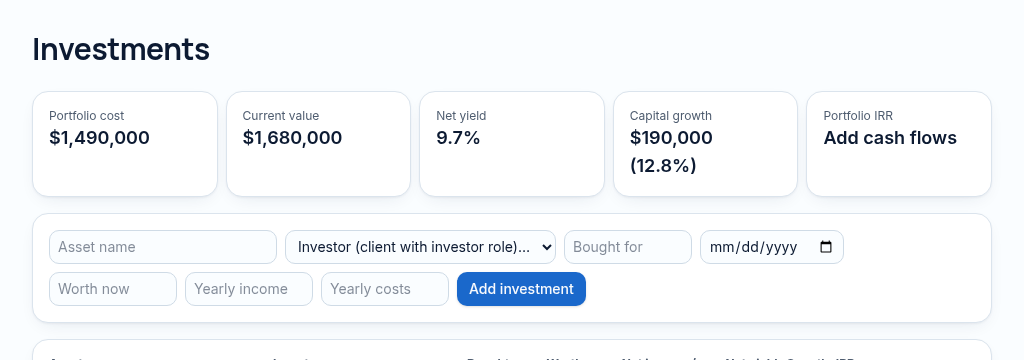
- Step 1
Connect the investor and investment, then record dated cash contributed and returned.
- Step 2
Review valuation, yield and XIRR using the actual dates of the cashflows.
- Step 3
Prepare statements and enable the investor portal only for the matching authorised contact. Returns are not guarantees.
Connected, not duplicated
This workspace uses the linked properties, people and records your company can access. Available features depend on your plan, enabled modules and staff permissions. Features needing external services are marked Coming soon below.
The problem
Investor updates take days to prepare.
Development budgets, tenders and investor money are spread across email and spreadsheets.
With PropertyFlow
- True returns from real cash dates
- Statements investors read themselves
- Cashflows in one place
Inside Investments
Features in this module
- Investment trackingInvestor money in, returns out.
- Investor returns (XIRR)True annual return from real cash dates.
- Investor statements & portalInvestors see their own statements online.
Works hand in hand with
See Investments with your own records.
Book a walkthrough, or start a 14-day trial and set up your first property today.