Inspections
Inspect anywhere, even offline.
Report, assign, track and close every repair with photos and real repair times.
What you get
- Room-by-room on a phone
- Works with no signal
- Photos attached to the property
Inside the app
How inspections works
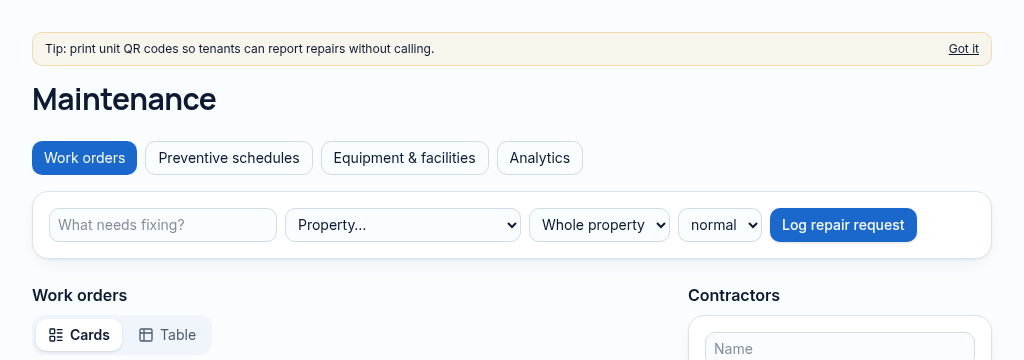
- Step 1
Open the inspection workspace while connected and select the property and unit.
- Step 2
Record inspection findings and photos in the field. Offline items stay queued on the device until connectivity returns.
- Step 3
Reconnect and check that queued items have synced. Published-site offline support is not enabled inside previews.
Connected, not duplicated
This workspace uses the linked properties, people and records your company can access. Available features depend on your plan, enabled modules and staff permissions. Features needing external services are marked Coming soon below.
The problem
Inspection notes on paper never reach the file.
Repairs get reported by phone, forgotten, and landlords hear about them last.
With PropertyFlow
- Room-by-room on a phone
- Works with no signal
- Photos attached to the property
Inside Inspections
Features in this module
- Inspections with photosRoom-by-room inspections on a phone.
- Offline inspectionsInspect with no signal; it sends when you reconnect.
- Facilities registerLifts, pumps, generators and boreholes in one list.
- Repair requestsLog repairs with priority, photos and the unit.
Works hand in hand with
See Inspections with your own records.
Book a walkthrough, or start a 14-day trial and set up your first property today.