Accounting & trust money
Month-close
Calculate, approve, pay, close and reopen a month.
Ready to use today
How to use month-close
Calculate, approve, pay, close and reopen a month. Use it within Accounting alongside the linked property, contact and transaction records, rather than maintaining a separate disconnected list.
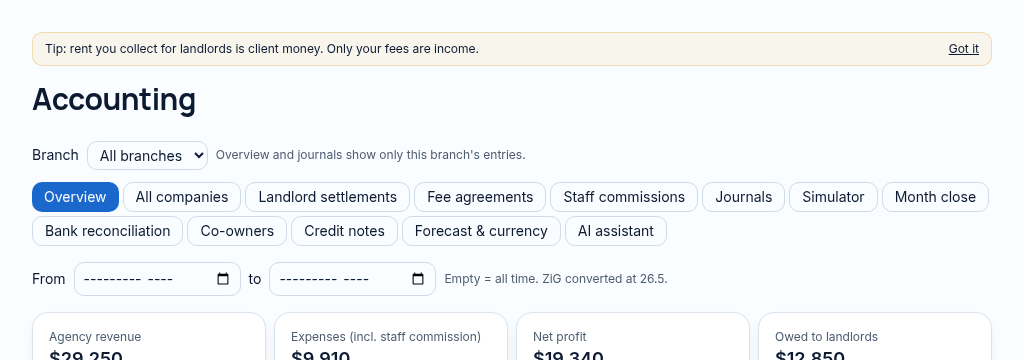
The connected workflow
- 1.Review balanced journal entries, invoices, payments and account balances. Client journals cannot be deleted.
- 2.Approve supplier bills, review purchase orders and run controlled depreciation or currency adjustments.
- 3.Close the period through calculate, approve, pay and close; corrections use reversal or authorised reopening.
Visibility follows your company, branch and section access. Important financial and approval actions remain subject to the app’s controls.
Why it matters
Agencies mix landlord rent with their own income and statements take days.
What changes
Real double-entry accounts where landlord rent is client money, never your income.
More in accounting & trust money
- Double-entry journalsEvery posting balanced, reversible, never deleted.
- Trust accountingRent held for landlords stays client money.
- Versioned fee agreementsManagement fees use the rate in force for that month.
- Owner statementsMonthly landlord statements with rent, fees and repairs.
- USD & ZiGWork in both currencies, with exchange-rate adjustments.
- Co-owner payoutsSplit landlord payouts between co-owners.
- Supplier bills & purchase ordersApprove and pay bills with approval limits.
- Fixed assets & depreciationAsset register with monthly depreciation.
- Combined company accountsStatements across several companies in one currency.
See PropertyFlow with your own portfolio.
Book a walkthrough, or start a 14-day trial and set up your first property today.