Valuations
Values you can defend.
Valuation methods, comparables, history and auctions in one place.
What you get
- Several methods side by side
- Comparables you can reuse
- Full value history
Inside the app
How valuations works
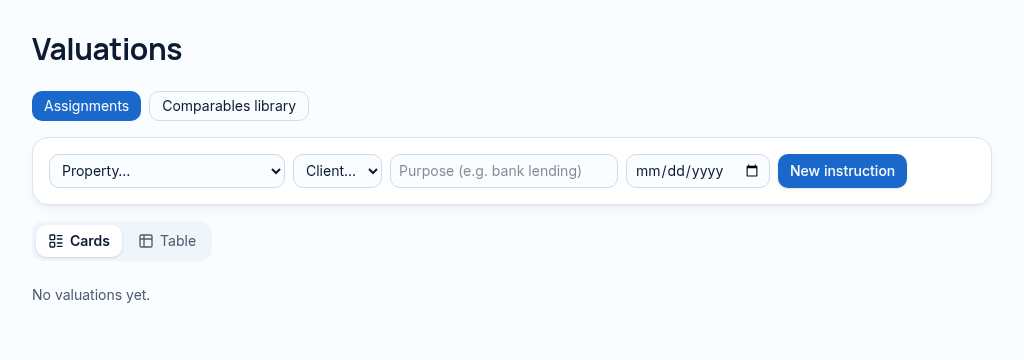
- Step 1
Create a valuation assignment for the property and record its purpose and date.
- Step 2
Enter comparable evidence and comparison, income or cost inputs; preserve method notes and supporting files.
- Step 3
Review the result alongside historical values. Professional judgement and local valuation requirements still apply.
Connected, not duplicated
This workspace uses the linked properties, people and records your company can access. Available features depend on your plan, enabled modules and staff permissions. Features needing external services are marked Coming soon below.
The problem
Comparables are lost in old Word files.
Valuations live in Word files and comparables are hard to find again.
With PropertyFlow
- Several methods side by side
- Comparables you can reuse
- Full value history
Inside Valuations
Features in this module
- Valuation reportsCreate valuations with method, notes and result.
- Comparable salesSave comparables and reuse them across valuations.
- Multiple valuation methodsComparison, income and cost methods side by side.
- Valuation historyEvery past value for a property, with dates.
- Online valuation requestsOwners request a valuation from your website.
Works hand in hand with
See Valuations with your own records.
Book a walkthrough, or start a 14-day trial and set up your first property today.