Clients & CRM
Bulk email & WhatsApp campaigns
Send a campaign to a filtered list of clients.
Coming soon. This needs an outside provider or is still being built. Ask us and we'll tell you where it stands.
How to use bulk email & whatsapp campaigns
Send a campaign to a filtered list of clients. This capability is planned or depends on an outside service; it is not an enabled integration today.
The connected workflow
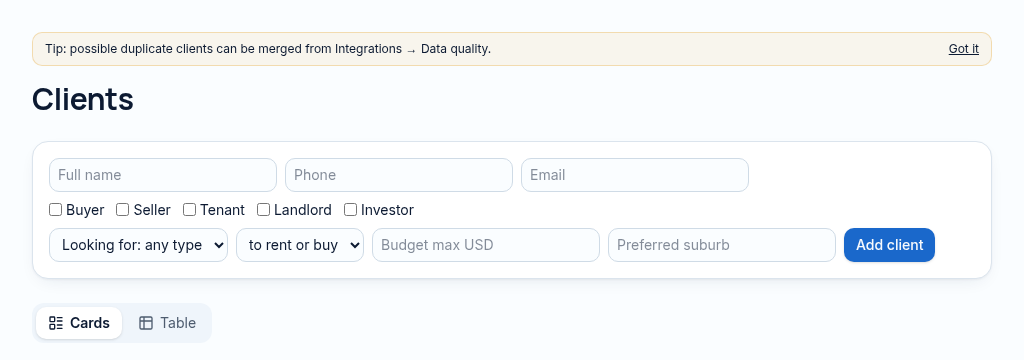
- 1.Create a contact with the correct buyer, tenant, landlord or investor type. Keep their contact details and requirements together.
- 2.Record an enquiry or viewing and move it through the pipeline. Notes preserve the context for the next colleague.
- 3.Review matching properties, draft a follow-up and merge duplicates with administrator approval.
Confirm provider availability, access and fees before relying on this capability.
Why it matters
Enquiries get lost in WhatsApp and nobody follows up in time.
What changes
Every contact, enquiry and conversation in one place, with follow-ups that don't slip.
More in clients & crm
- Contact recordsBuyers, tenants, landlords, investors and suppliers in one book.
- Lead pipelineMove enquiries from new to won on a simple board.
- Website enquiriesMessages from your website arrive straight in the system.
- Duplicate mergeFind and merge duplicate clients without losing history.
- Notes & @mentionsLeave notes on any record and tag a colleague.
- Viewings calendarBook viewings and see the whole team's diary.
- AI follow-up draftsDraft a polite follow-up message for a cold lead.
- Lead matchingMatch buyers and tenants to properties that fit.
- Client timelineEvery lease, deal, payment and note for a client in order.
See PropertyFlow with your own portfolio.
Book a walkthrough, or start a 14-day trial and set up your first property today.