Leasing & tenancy
Guided lease setup
A step-by-step screen to create a lease correctly.
Ready to use today
How to use guided lease setup
A step-by-step screen to create a lease correctly. Use it within Leasing alongside the linked property, contact and transaction records, rather than maintaining a separate disconnected list.
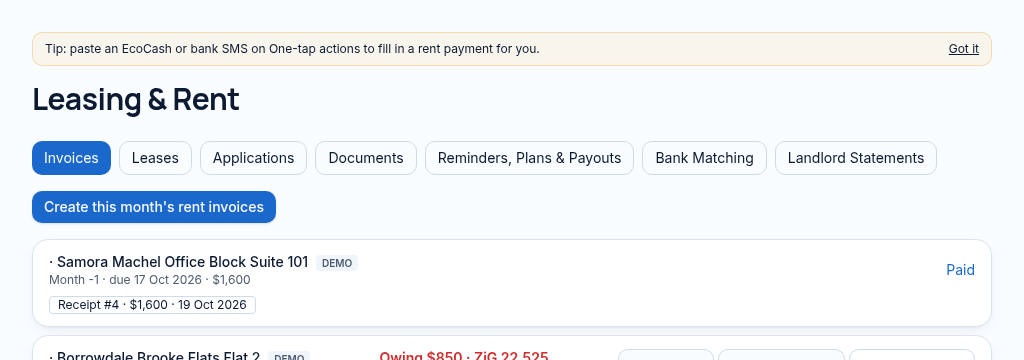
The connected workflow
- 1.Record the applicant, proposed unit, income and supporting documents. Review affordability before approving.
- 2.Create the lease with its tenant, dates, rent and deposit. The guided setup keeps the steps together.
- 3.Monitor expiry and risk. The occupancy forecast reflects lease endings, not a guarantee of future demand.
Visibility follows your company, branch and section access. Important financial and approval actions remain subject to the app’s controls.
Why it matters
Applications, references and lease renewals are tracked on paper and forgotten.
What changes
Applications, affordability checks, leases and renewals in one flow.
Found in
More in leasing & tenancy
- Lease applicationsTenants apply with documents attached.
- Affordability checkFlags when rent is more than a third of income.
- Lease recordsStart and end dates, rent, deposit and terms per lease.
- Lease risk scoringSpot leases likely to fall into arrears or leave.
- Expiry & renewal alertsKnow which leases end in the next three months.
- Occupancy forecastThree-month vacancy outlook from lease end dates.
- Tenant noticesIssue formal notices and keep a record.
- Deposit recordsDeposits held per lease, kept as client money.
- Online lease signingTenants sign the lease on their phone.
See PropertyFlow with your own portfolio.
Book a walkthrough, or start a 14-day trial and set up your first property today.